

Cannot change card or reactivate
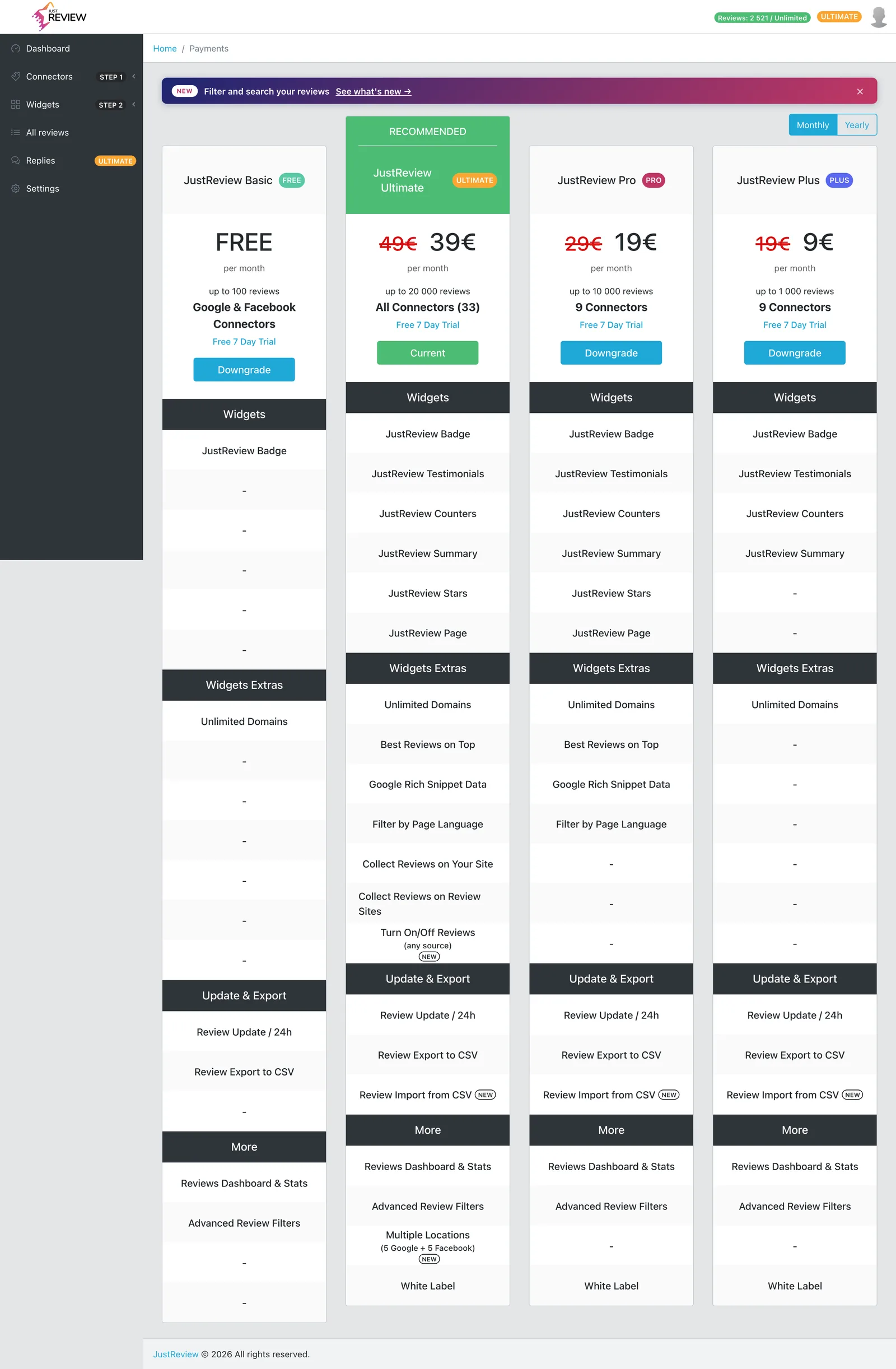
Two related situations, same underlying cause: the hosted payment screen does not open properly for subscriptions in certain states, most often after a subscription was already cancelled.
Symptoms
- “Reactivate Subscription” says the card is invalid, but there is no visible way to enter a new one.
- The section for changing the payment method does not appear at all.
- Clicking the button appears to do nothing.
Try this first
Use a different browser, or a private window. The payment screen is embedded from our payment provider and is sensitive to pop-up blockers, tracking blockers and stale sessions. A private window with extensions disabled resolves a good share of these.
Check that pop-ups are allowed for app.justreview.co.
If it still does not open
Write to [email protected] and ask for a payment method link. We generate a direct, secure link from our payment provider that opens the card form outside the panel, which sidesteps the problem entirely. Include the email address on your account.
Reactivating after cancellation
A cancelled subscription can be brought back, and your reviews and widget settings are still there. If the button in the panel refuses, ask us for the link above and we will reactivate it from our side in the same reply.