

Install the widget on GoDaddy
This guide covers GoDaddy Website Builder (Website + Marketing) and uses the JustReview Testimonials widget as the example. Every other widget works the same way.
-
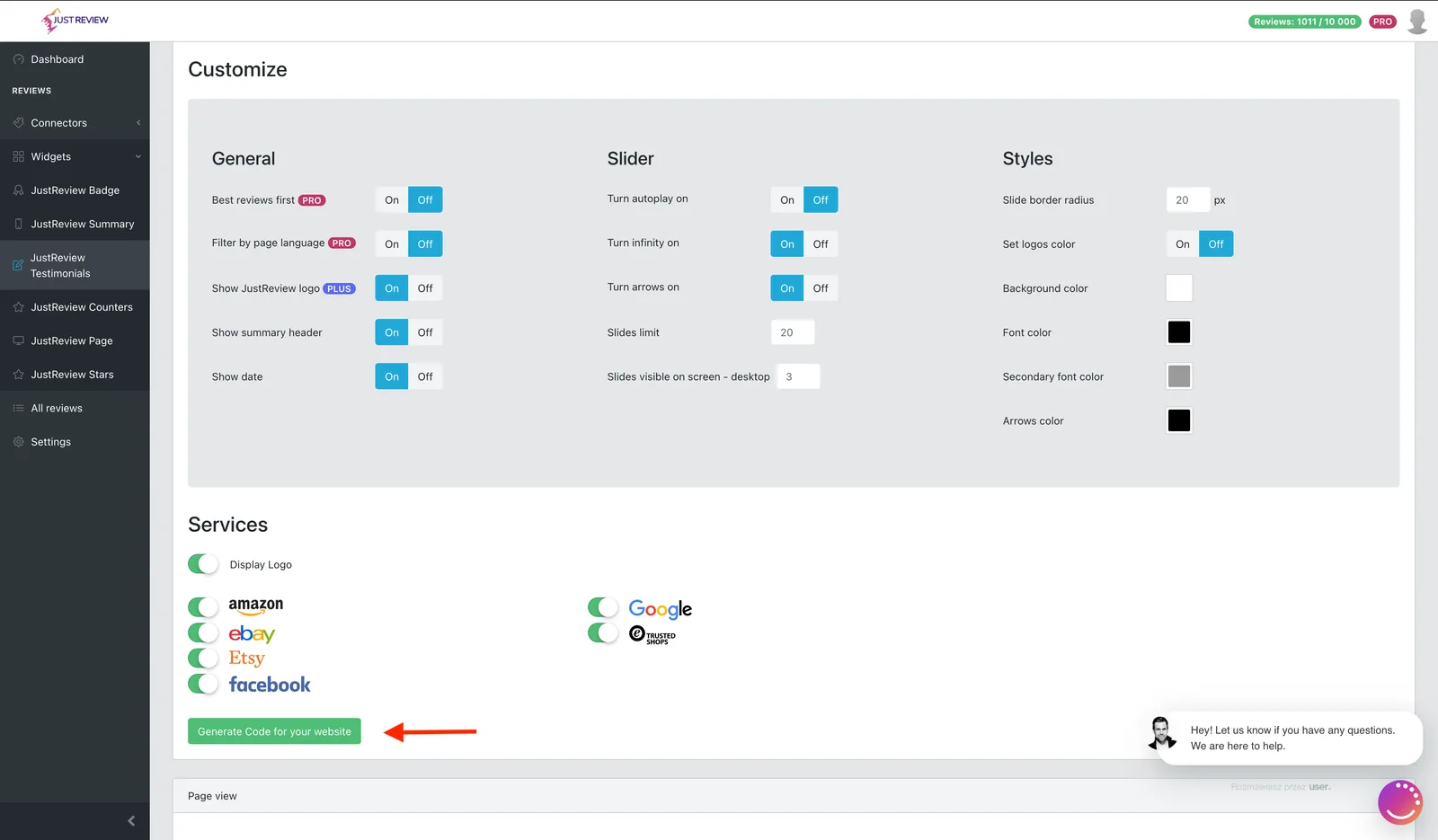
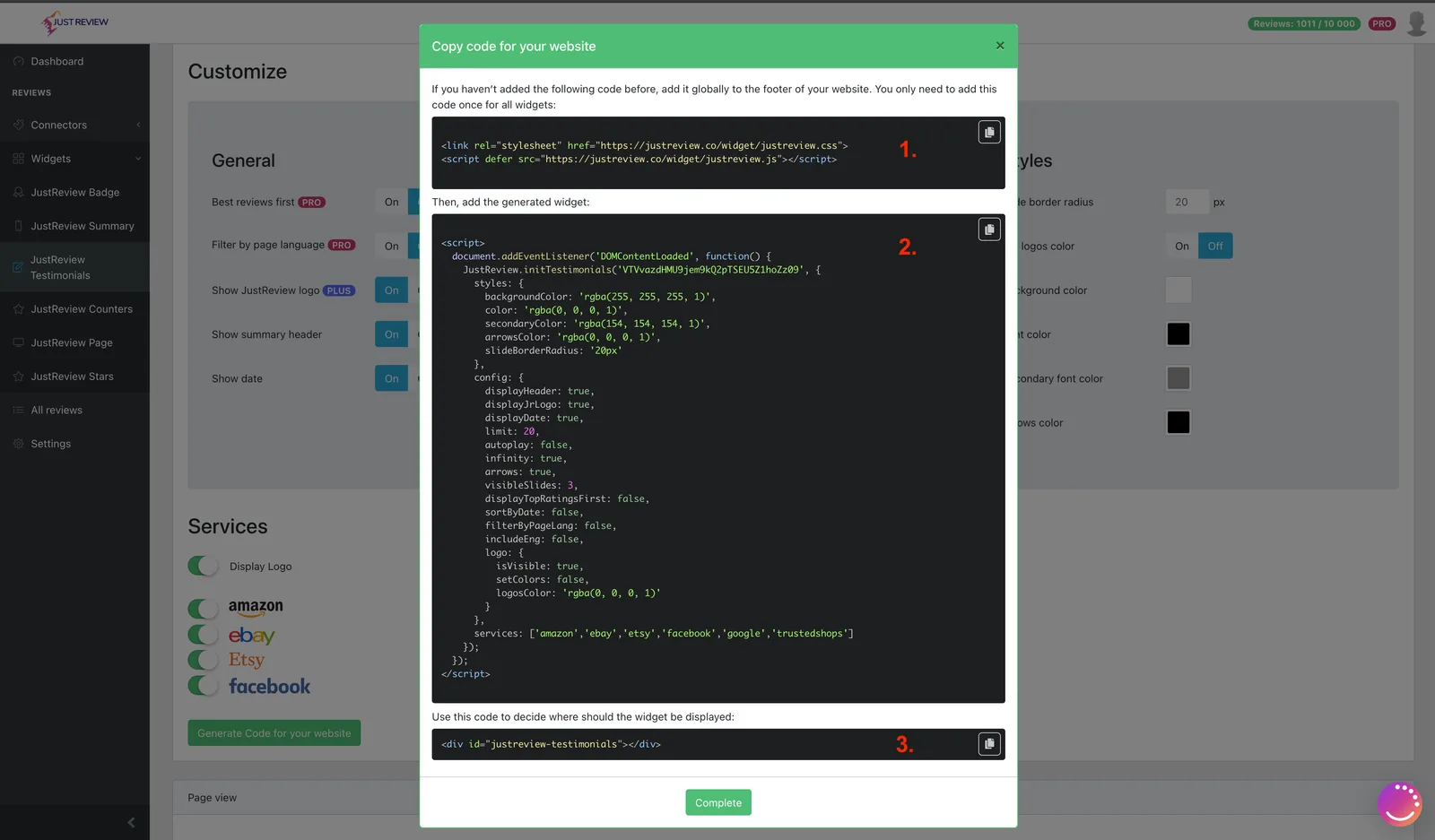
Build your widget and click “Generate Code for your website”.
-
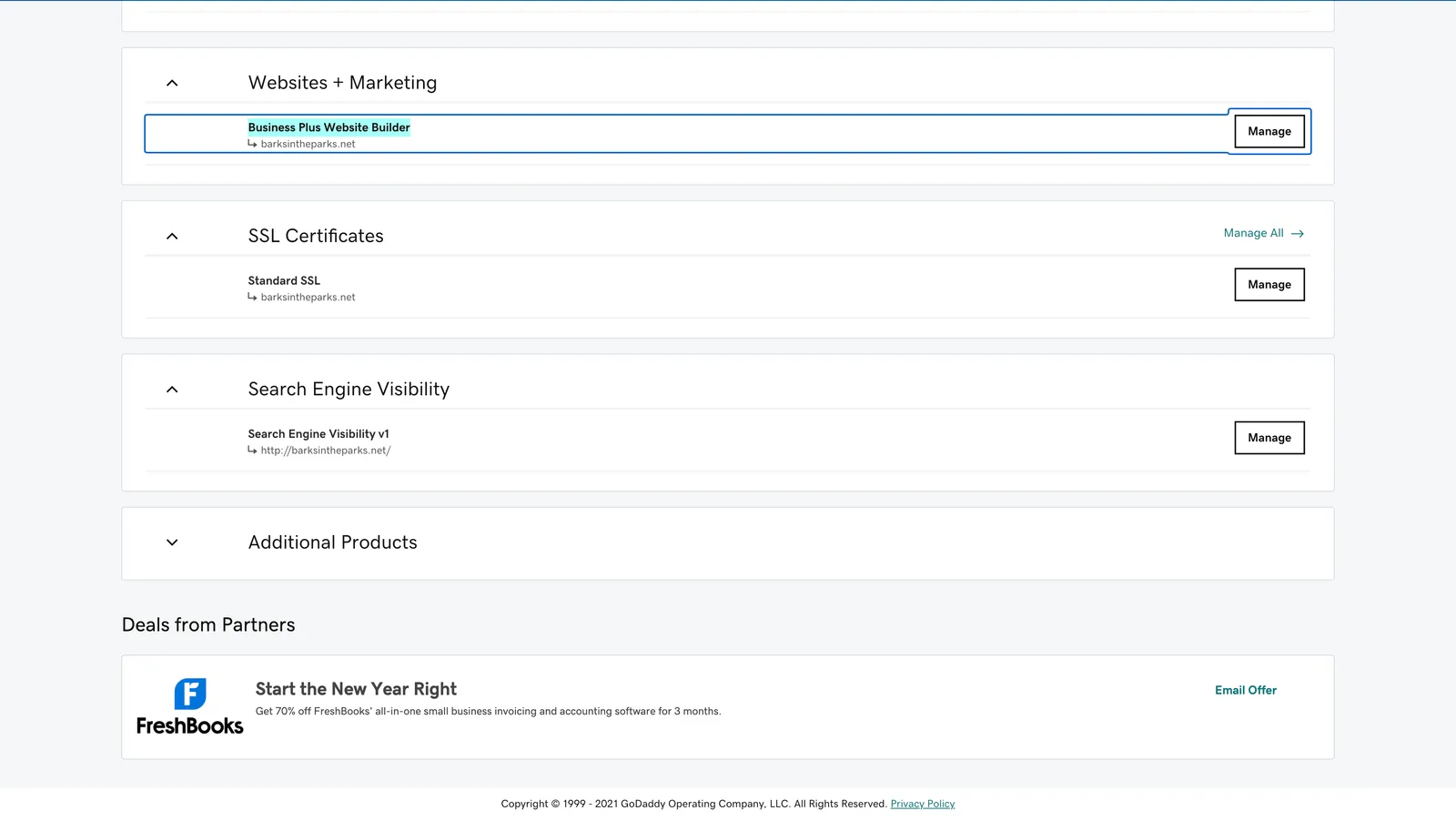
Open your GoDaddy dashboard: Website + Marketing → Website Builder → Manage.
-
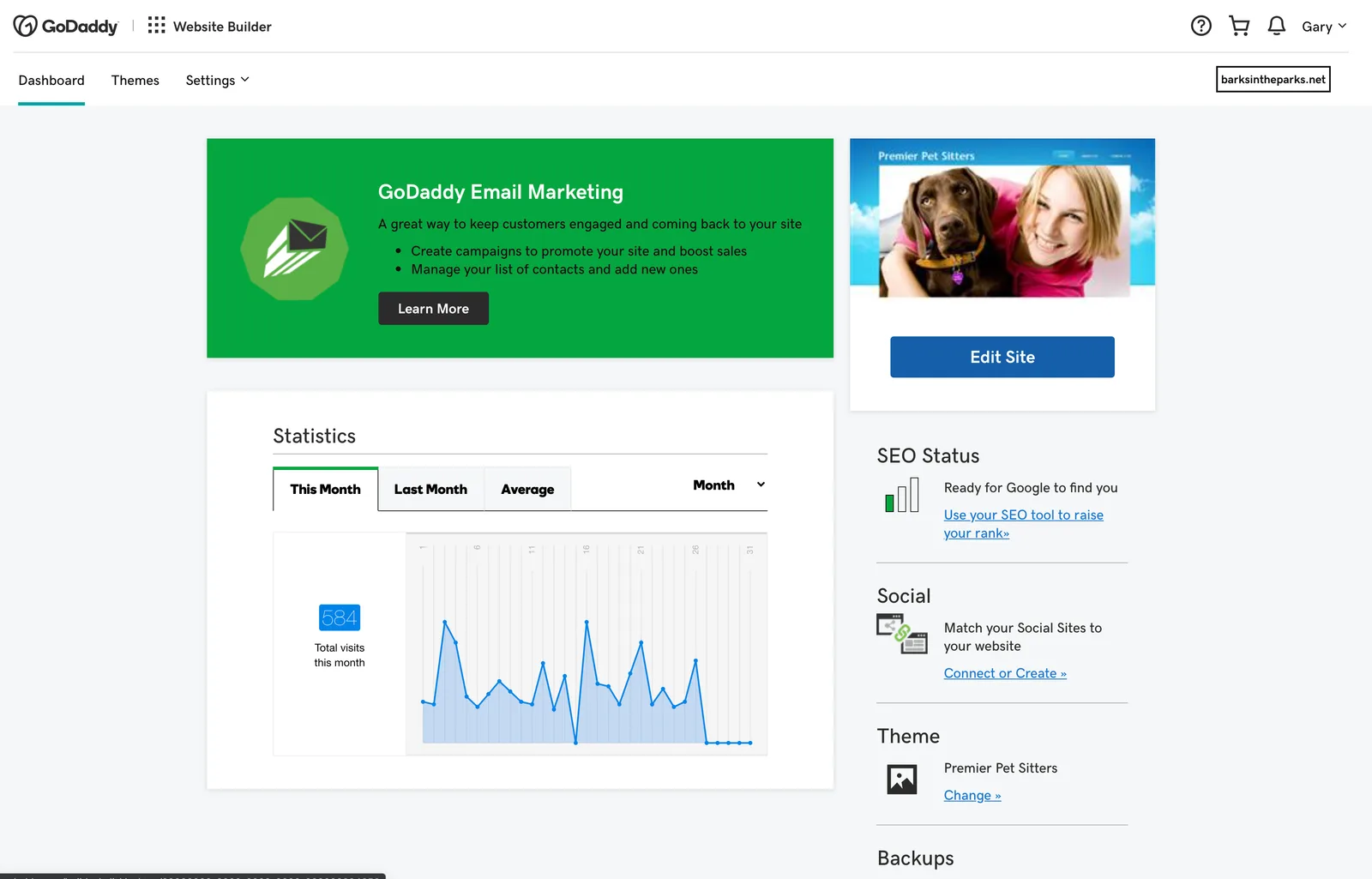
Click Edit Site.
-
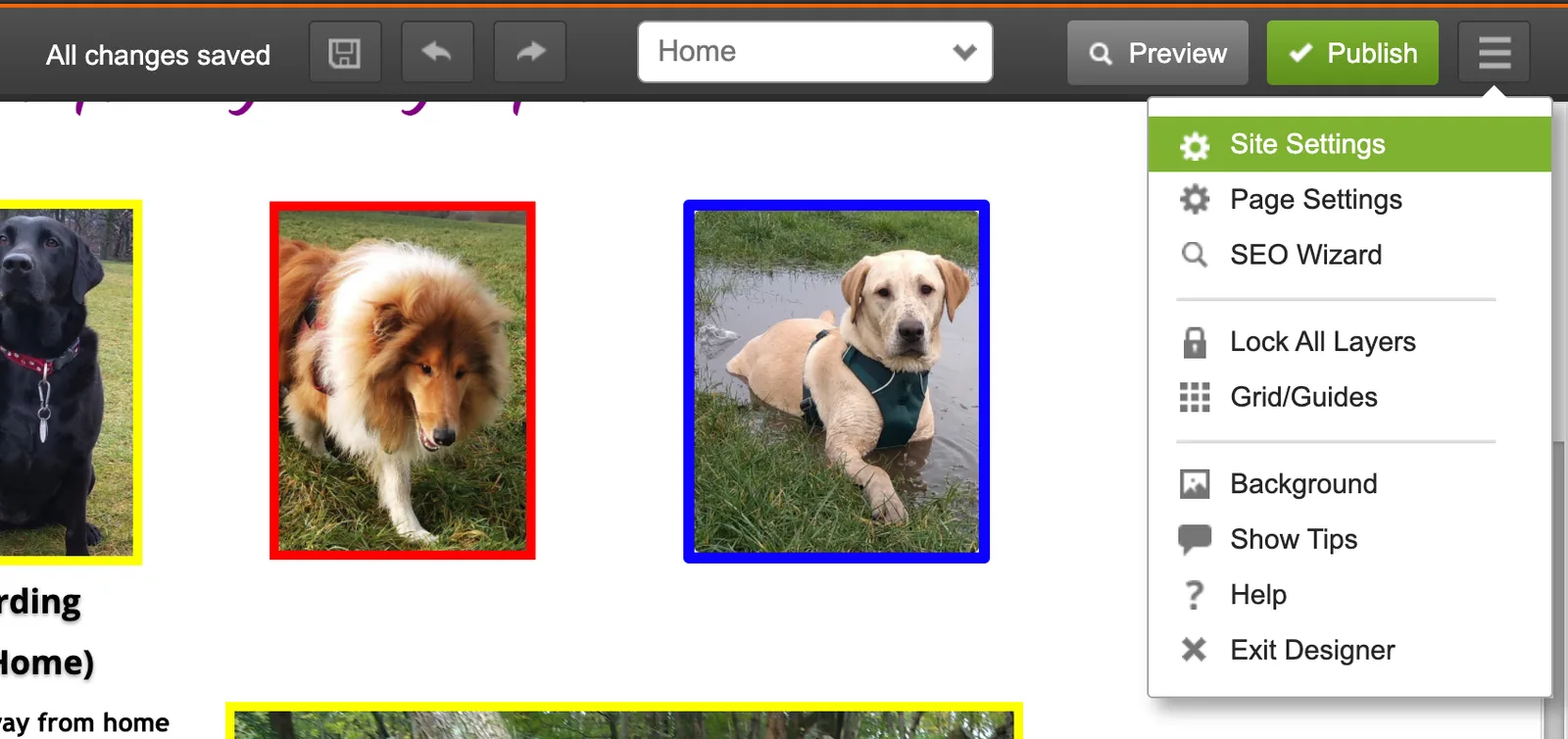
Open Site Settings.
-
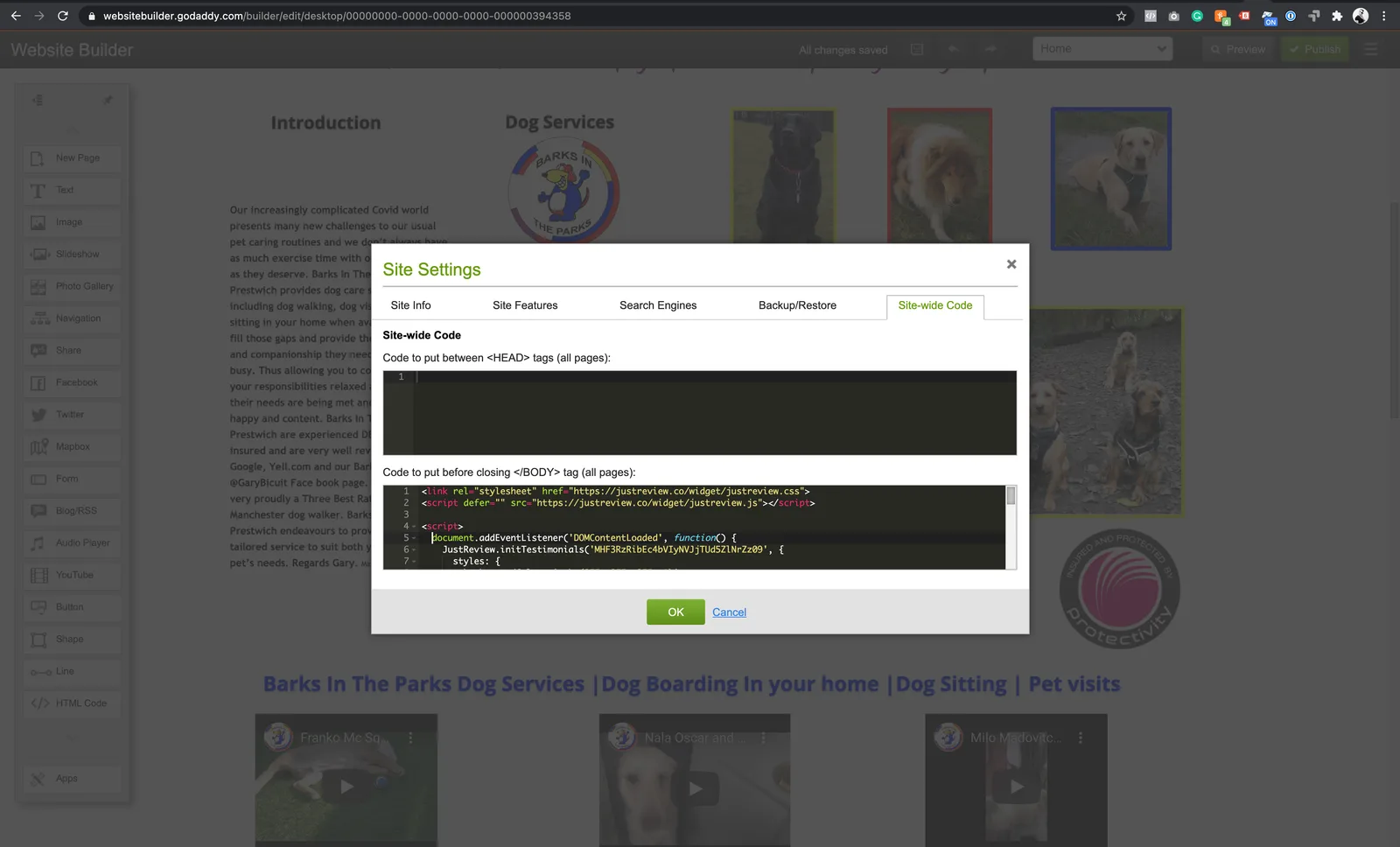
Go to the Site-wide Code tab and paste part 1 and part 2 before the closing
</body>tag.Part 1 loads the library and belongs there only once, even with several widgets. Part 2 is the configuration for one widget, so add one part 2 per widget.
-
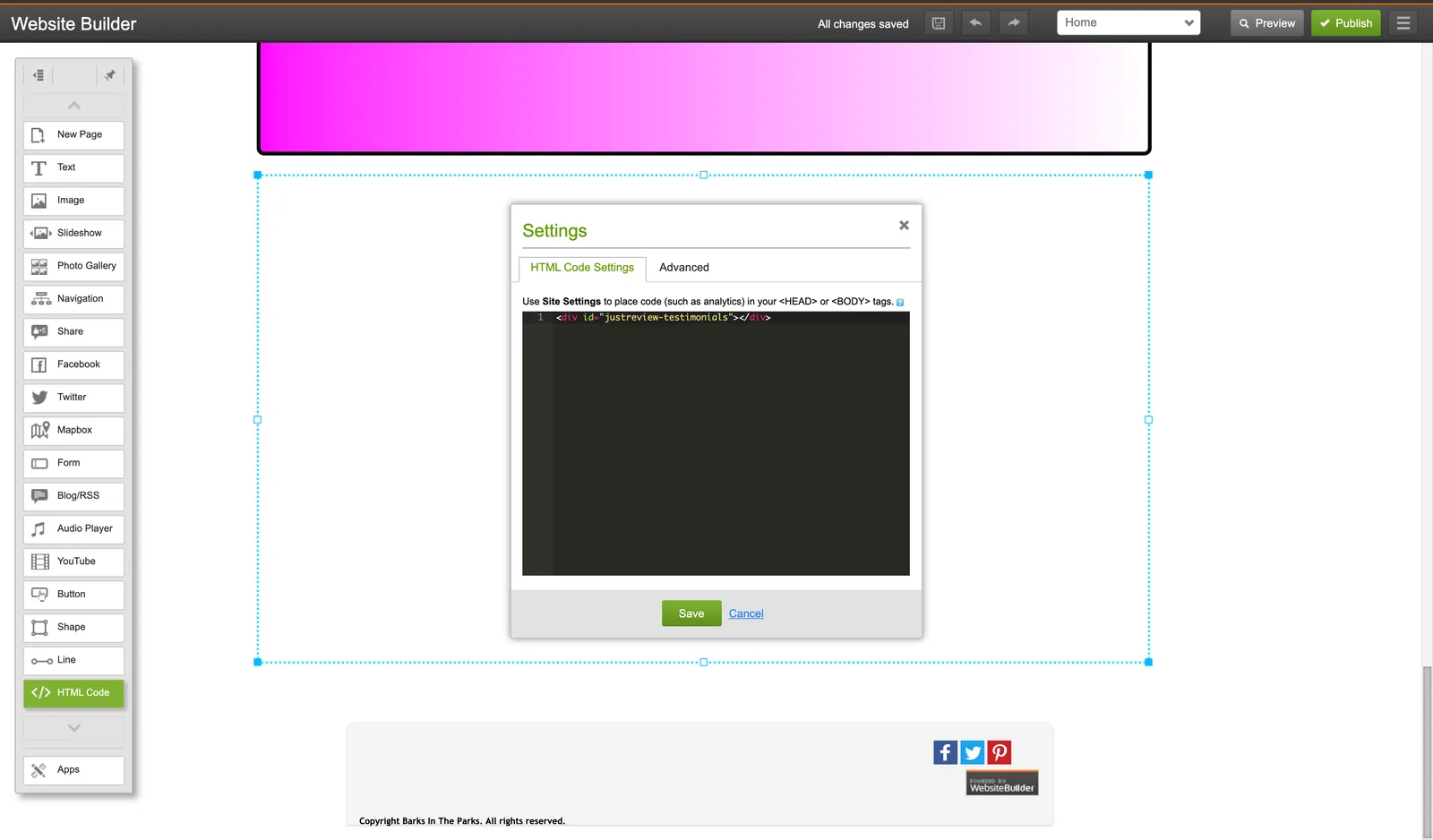
Back in Website Builder, add an HTML element where the widget should appear and paste part 3.
-
Publish the site.
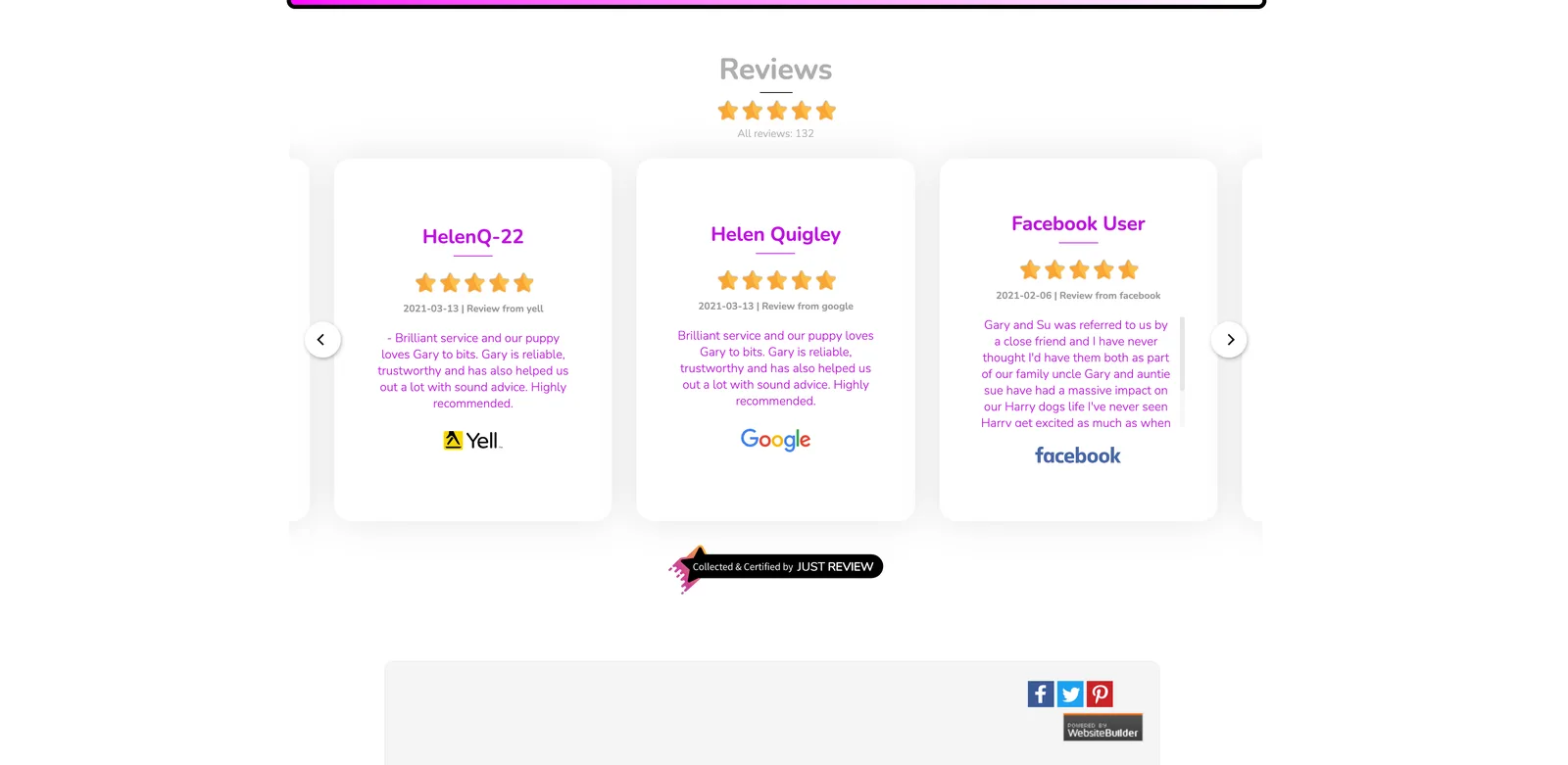
Widget still not visible?
- The site is published. Builder previews do not count.
- Domain whitelist in Settings matches your address.
- Part 3 is present on the page you are viewing.
- The Badge widget needs at least one review before it shows anything.