

Stars in Google search results
Those stars under a search result are a rich result. They come from structured data in your page’s HTML, and JustReview can output it for you.
How to switch it on
-
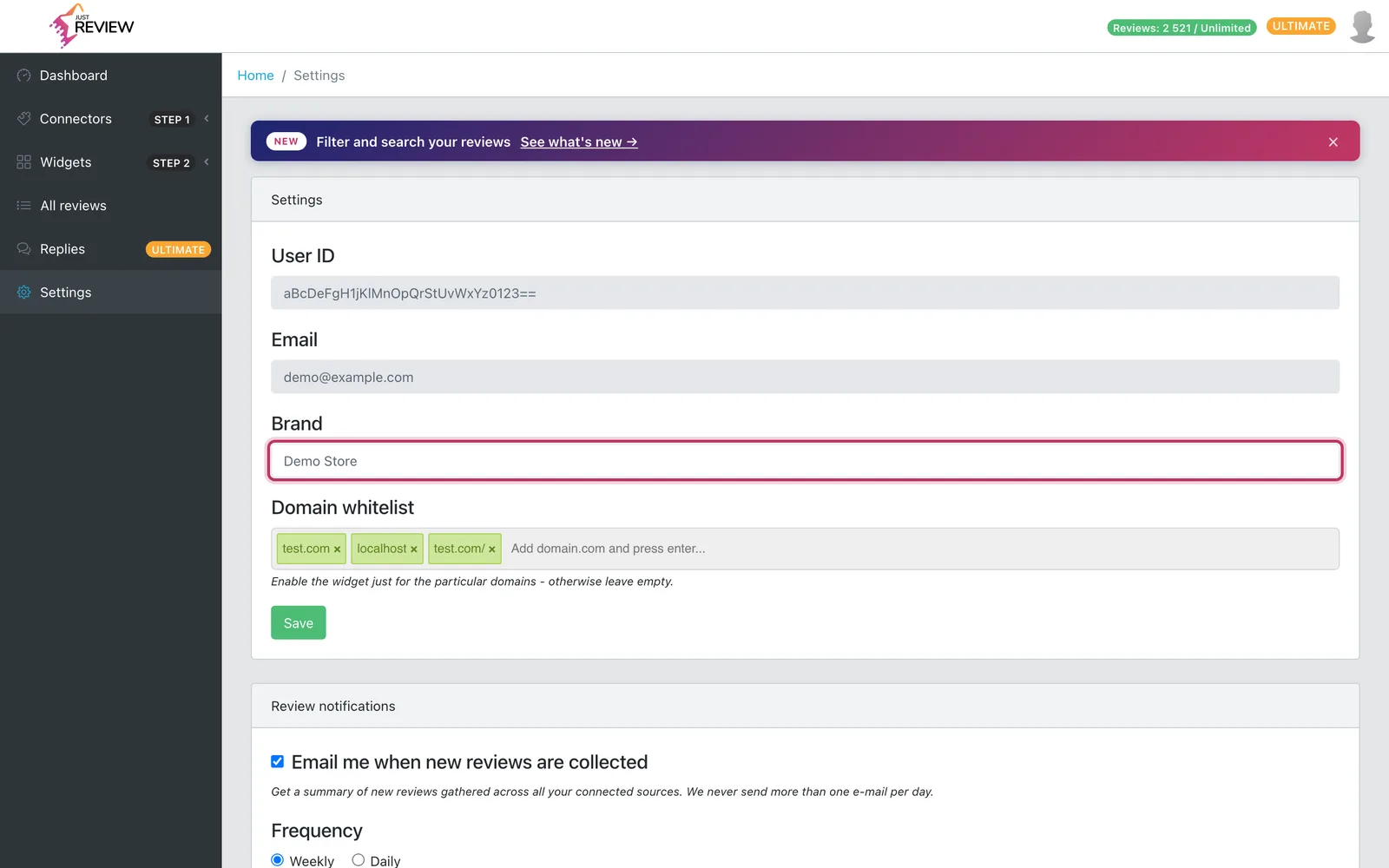
Set your brand name in Settings.
This is not optional. The structured data carries your brand name, and without it nothing is generated at all. If stars never appear, check this first.
-
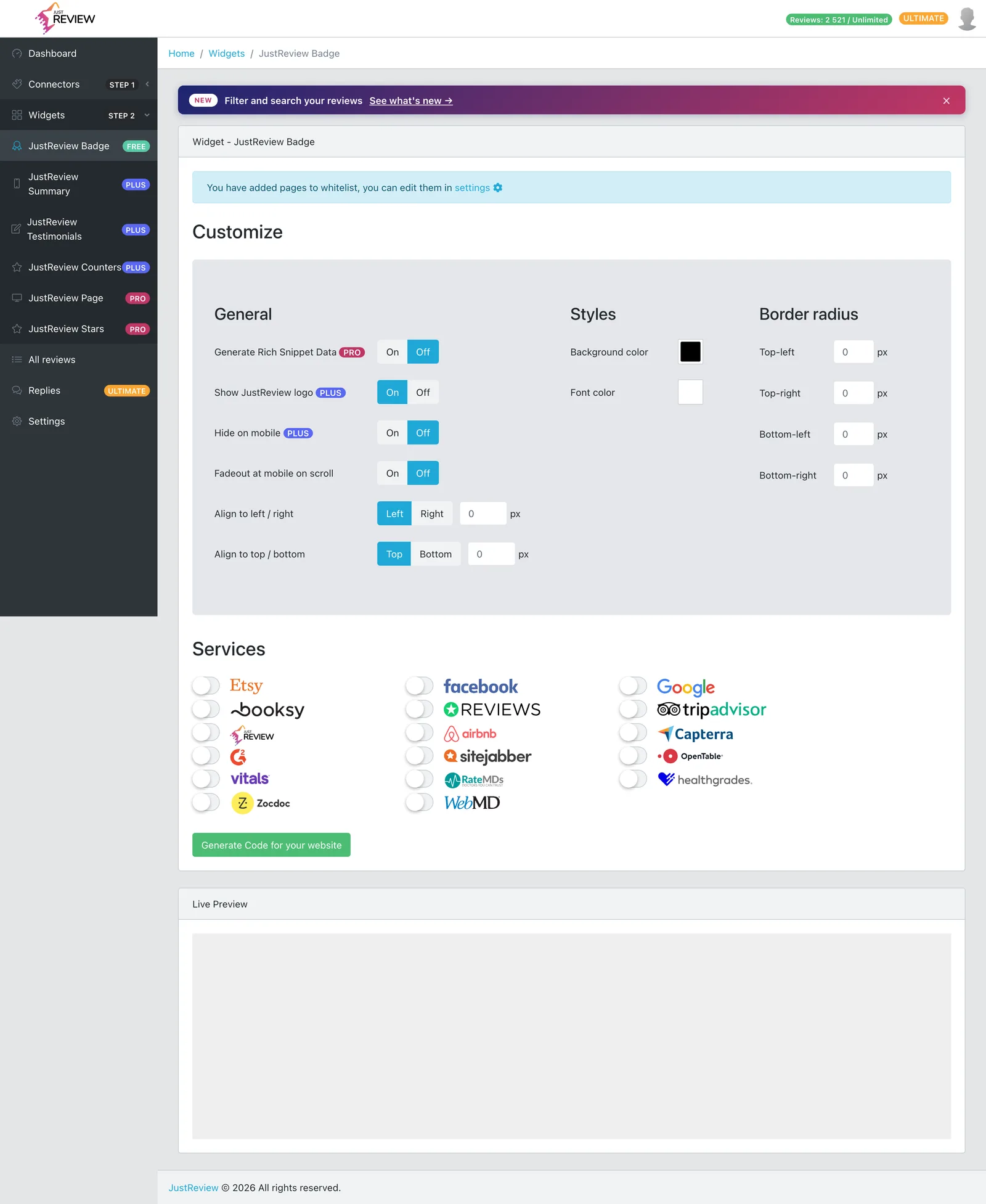
Open the JustReview Badge widget and enable Generate Rich Snippet Data.
The structured data is produced by the Badge widget only. No other widget emits it, so a page carrying just Testimonials will not get stars.
-
Generate the code again and replace the snippet on your site.
-
Check it with Google’s tester.
Paste your page address into the Rich Results Test. It should report an
AggregateRatingwith your rating value and review count.
Stars without a visible badge
A common and reasonable request: you want the rating in Google, but not the floating badge in the corner of the page.
That works, and it is one line in the snippet. The visible badge and the structured data are two independent switches.
initBadge("YOUR_USER_ID", { enableAggregateRatings: true, // structured data for Google disableBadge: true, // do not render the visible badge // ...the rest of your settings});Do not hide the badge with CSS instead. display: none leaves the element on the page while making
it invisible, which is the situation Google’s guidelines warn about. disableBadge never renders it at
all, which is the clean way.
What the data contains
An AggregateRating: your average rating, the number of reviews, and a best rating of 5, attached to
your brand name. It reflects the sources selected in that Badge widget, so it matches what a visitor
sees.
Google shows the stars when it decides to
Correct structured data makes you eligible for a rich result. It does not entitle you to one.
- It takes time. Google has to recrawl the page. Days to weeks is normal.
- It can appear and then disappear. Google decides per page and per query.
- Some queries never show it, whatever your markup says.
So: confirm with the Rich Results Test that the data is correct, then be patient. If the tester is happy, your side of the job is done.
This is a business rating, not a product rating
The data describes your business, because that is what the reviews are about. It cannot be attached to individual catalogue items, see reviews per product.
Stars are not showing
- Brand name empty in Settings. Nothing is generated without it.
- Setting on but code not regenerated. The snippet on your site still holds the old configuration.
- No Badge widget on the page. Only Badge emits the data.
- Plan below Pro. The data is not emitted even with the toggle on.
- Google has not recrawled yet. If the Rich Results Test sees the rating, wait.
- Google chose not to show it. Normal, varies by query, nothing to fix.