

Multiple locations in one account
If your business has several branches, each with its own Google listing, you can connect them all to one account instead of paying for several.
How to add another location
-
Open Connectors and pick Google or Facebook.
-
Sign in and select the next listing. Your existing one stays connected, the new one is added alongside it.
-
Repeat for each location. The panel shows how many you have used out of your limit.
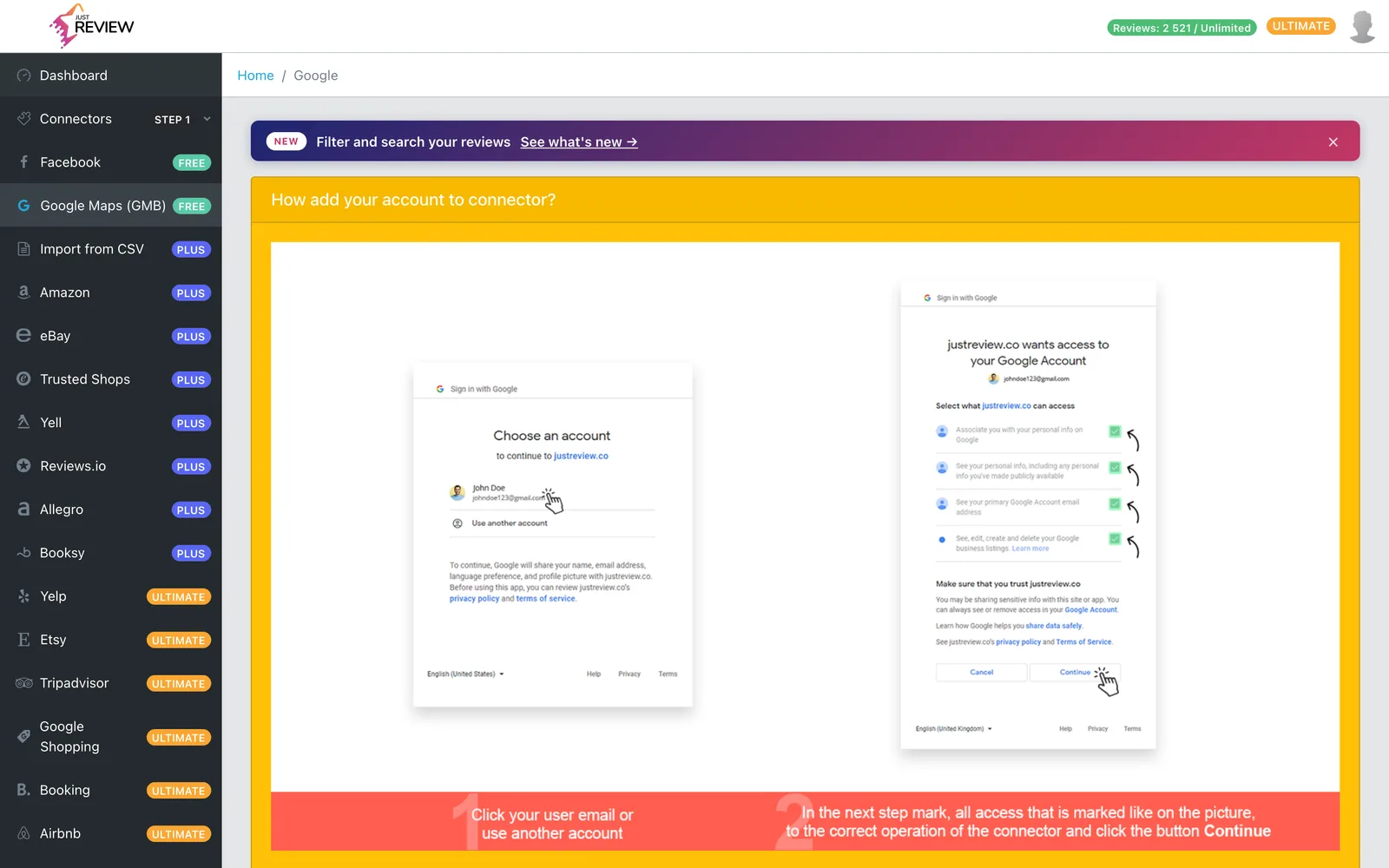
Reviews from all connected locations flow into one pool and appear together in All reviews and in your widgets.
Read this before you buy
What multiple locations is good for:
- One combined rating and review count across the whole business, which for a chain is usually the stronger number.
- One dashboard instead of logging into several accounts.
- One subscription instead of several.
What it is not good for:
- Branch-specific pages that need branch-specific reviews.
- Franchise setups where each owner needs their own access.
More than five locations
Five per source is included with Ultimate. Above that, extra locations are available as a paid add-on. Write to [email protected] with how many you need and we will set it up.
Removing one location
You can disconnect a single profile without touching the others. Disconnecting a location removes the reviews collected from it, while the rest stay. The panel tells you the count before you confirm.
One business, not several businesses
Multiple locations mean branches of the same business. Separate companies or unrelated brands need separate JustReview accounts, since they have different names, different ratings and usually different websites.
If you are an agency managing several clients, each client needs their own account. Write to us if you handle a number of them, that is a conversation worth having directly.
Troubleshooting
Profile limit reached. The panel shows a note about the limit and an upgrade button. You have used your five for that source, ask us about the add-on.
Upgrade prompt instead of the profile list. The feature needs Ultimate. Note that some lifetime deal tiers grant a plan name without the review allowance this feature requires, so if you believe you are on the right plan and still see this, write to us and we will check your account.
A new location shows no reviews. Each connection imports separately and in the background. Give it time, then check by filtering that source in All reviews.
One location stopped updating. Access is granted per profile, so it can expire for one listing and not the others. Reconnect that one, see reviews stopped updating.