

Widget JavaScript reference
For developers and agencies. If you just want the widget on your site, use the installation guides instead, the dashboard generates this code for you.
Structure of the snippet
Three parts. Part 1 loads the library once per page. Part 2 initialises one widget. Part 3 is the container that decides where it renders.
<!-- part 1: once per page, regardless of how many widgets --><script src="https://justreview.co/widget/justreview.js"></script><link rel="stylesheet" href="https://justreview.co/widget/justreview.css">
<!-- part 2: one block per widget --><script>  initTestimonials("YOUR_USER_ID", { /* options */ });</script>
<!-- part 3: where it appears --><div id="justreview-testimonials"></div>
YOUR_USER_ID is the hashed identifier from
Settings. It is safe in public HTML, it only allows reading the
reviews you chose to publish.
The functions
| Function | Widget | Plan |
|---|---|---|
initBadge | floating badge with your rating | Free |
initSummary | average, count and rating breakdown | Plus |
initTestimonials | carousel of full reviews | Plus |
initCounters | review counts per source | Plus |
initReviewsPage | full reviews page with optional form | Pro |
initStars | inline stars | Pro |
Signature:
initTestimonials(userId, options, containerClass);The third argument is optional and only needed when you show the same widget more than once on a page.
Options
Shared
services (array of strings) limits the widget to selected sources. Empty or omitted means every
connected source.
services: ["google", "facebook", "etsy.com"]Use the internal source names. Domain-style sources carry the domain, for example etsy.com,
booking.com, apps.apple.com. The generated code from the dashboard already contains the correct
values, which is the safest way to get them right.
styles (object) sets colours, radii and positioning. The dashboard colour pickers write into this.
showJustReviewLogo (boolean) shows or hides our logo. Hiding it is White Label, available from
Plus.
initBadge
| Option | Type | What it does |
|---|---|---|
enableAggregateRatings | boolean | outputs structured data for Google. Pro+, and your brand name must be set |
disableBadge | boolean | does not render the visible badge. Combined with the above, gives structured data only |
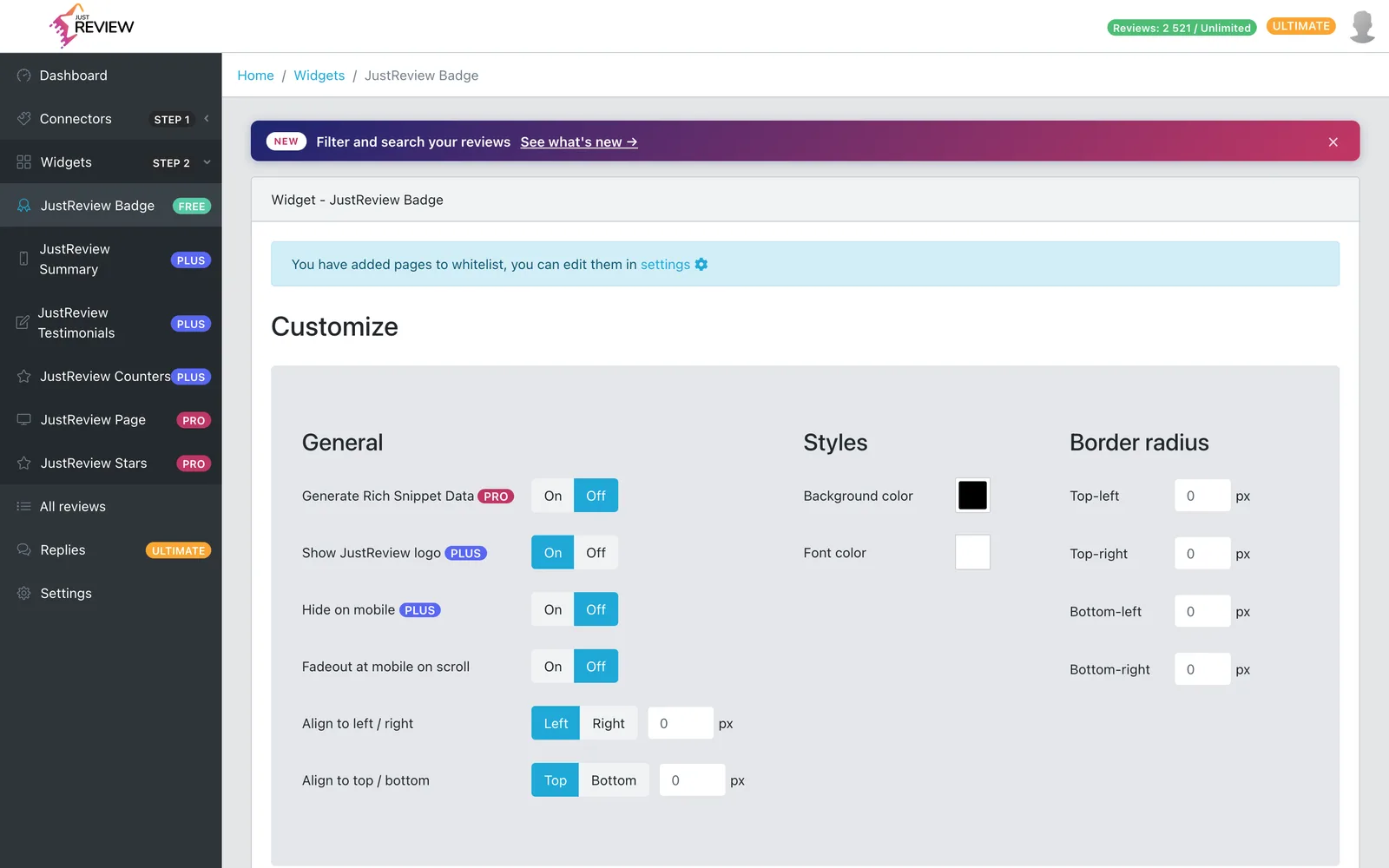
disableOnMobile | boolean | hides the badge on small screens. In the panel: Hide on mobile, from Plus |
fadeOutWhenScrollingOnMobile | boolean | fades the badge out while scrolling on mobile. In the panel: Fadeout at mobile on scroll |
The badge is the only widget that emits structured data. See stars in Google results.
initSummary
| Option | Type | What it does |
|---|---|---|
displayHeader | boolean | shows the default heading |
displayCustomHeader | boolean | use your own heading instead |
customHeader | string | the heading text |
initCounters
| Option | Type | What it does |
|---|---|---|
displayReviewsAmount | boolean | shows the number next to each source |
config | object | per-source display settings |
initStars
| Option | Type | What it does |
|---|---|---|
displayLogo | boolean | shows the JustReview logo next to the stars |
displaySummary | boolean | shows the rating and count next to the stars |
initReviewsPage
| Option | Type | What it does |
|---|---|---|
config | object | layout, sorting and paging |
The review form and moderation live in this widget, see collect your own reviews.
Reinitialising after content loads
The widget initialises on page load. Elements added later by JavaScript never get processed, so call the
init function again after your new content is in the DOM. Full recipe, including a MutationObserver
fallback, in
widget missing on dynamically loaded content.
Things that will bite you
Do not minify or self-host justreview.js. It is served with the caching and headers it needs, and a
modified copy breaks subresource integrity for everyone.
Asynchronous loading and script combiners. Optimisation plugins that defer or bundle scripts change the
execution order, which is the most common cause of a widget that worked and then stopped. Exclude
justreview.js from JavaScript optimisation.