

Browse, filter and export your reviews
Everything JustReview collected for you lives in All reviews. On an account with thousands of reviews the filter bar is the difference between finding one in three seconds and not finding it at all.
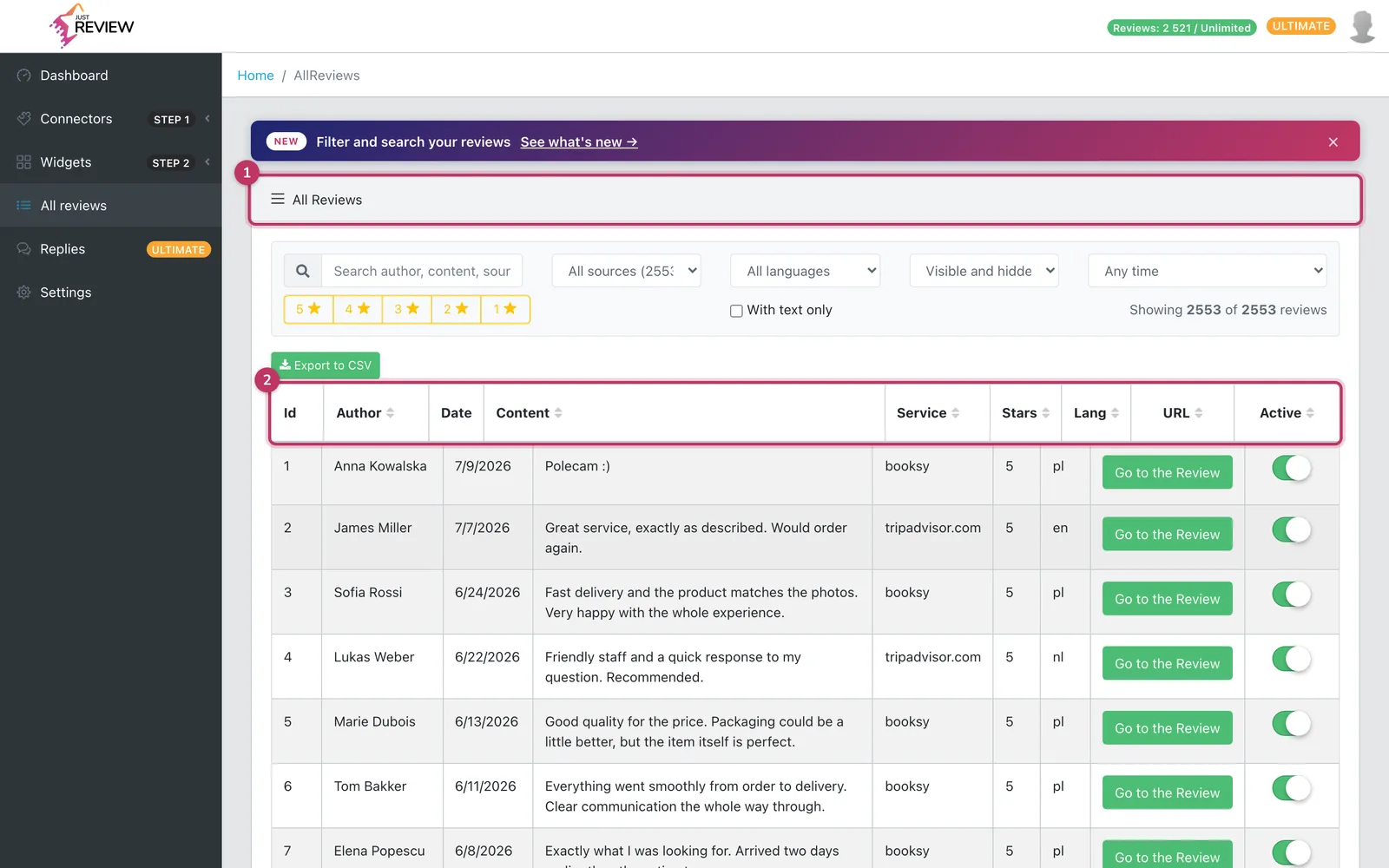
The filters
Source. One platform at a time, for example only Google, only Facebook.
Rating. Pick a star level. The quickest way to see everything negative: filter 1 and 2 stars.
Language. Handy on multilingual stores, and it tells you whether filtering by page language has enough material in a given language to be worth switching on.
Status. Visible or hidden, if you use Review Curation.
Date range. Narrows to a period, for example to check whether anything arrived after a campaign.
Text search. Searches review content and author name. Use it when a customer writes in and you need their review: search their name or a phrase they used.
Filters combine. “Google, 1 to 2 stars, last 30 days” is one click each.
Export to CSV
The export gives you everything currently in your account: author, text, rating, date, source and language, plus an internal ID, the review link and its visibility status.
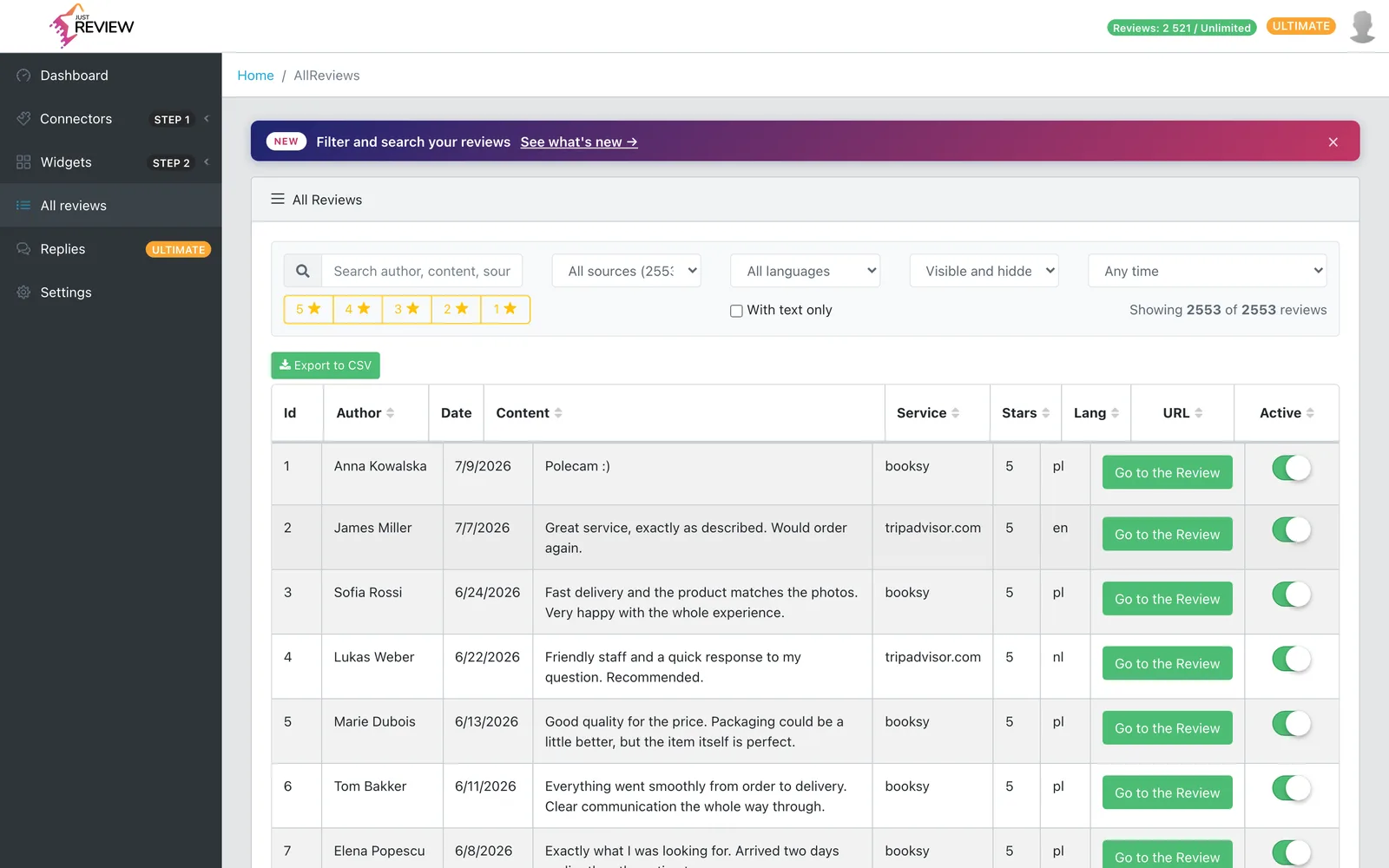
What it is good for:
- A backup before any bigger change.
- Reporting, for instance average rating per month in a spreadsheet.
- Moving reviews you collected yourself to another tool. Reviews imported from external platforms stay subject to those platforms’ terms.
On very large accounts
Above a few thousand reviews the list takes a moment to build. Narrow with filters first instead of scrolling: the filters run before the list renders, so a filtered view is faster than an unfiltered one.