Basic
Free
- 100 stored reviews
- Google, Facebook
- Badge layout
- Unlimited page views, websites and domains
Free forever, no credit card.

Shopify
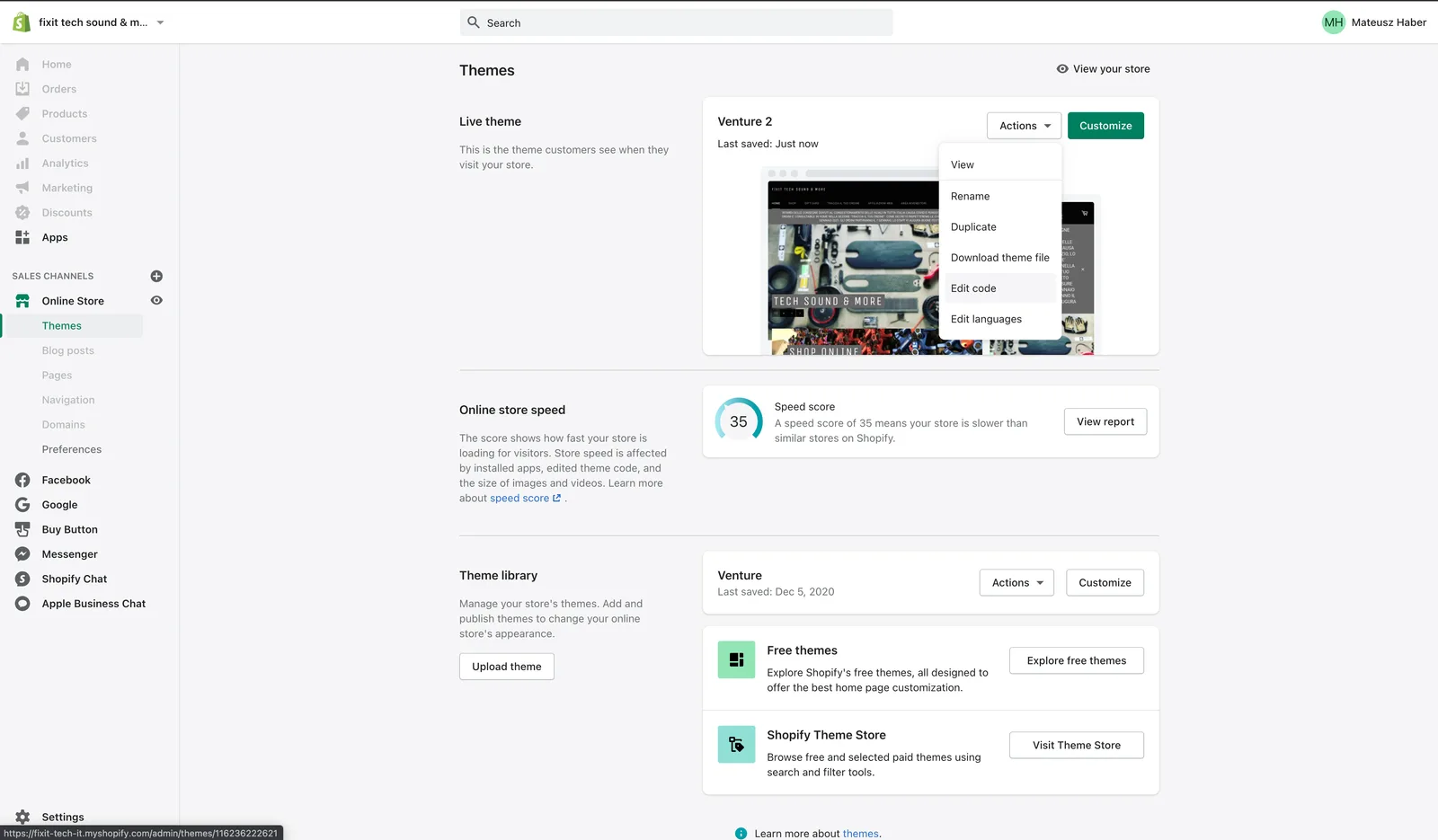
You add Google reviews to Shopify with two pastes and no app: the library tag goes into theme.liquid, and the widget block goes into a Custom Liquid section on the template where the reviews should appear. Connect your Google Business Profile first, and the reviews refresh on their own every 24 hours. Editing theme code requires a purchased theme, not a trial one.
Start freeFree plan, no credit card. Unlimited page views, websites and domains on every plan.
Shopify lets you edit theme code only after the theme is bought, so a trial theme blocks this path entirely. The easy route, adding a Custom Liquid section in the theme customiser, exists only on Online Store 2.0 themes; on older vintage themes you edit the template files by hand. Neither is a plan limit, so Basic works the same as Advanced here.
This page is the decision, not the walkthrough. For the screen-by-screen version see where each piece of code goes, measured on 20 live storefronts, or the installation article in the knowledge base.
Every tool in this market advertises a free Google reviews widget and every one of them draws a line somewhere. Here is ours, before you sign up rather than after.
| What you want | Free (Basic) | Starts on |
|---|---|---|
| Google reviews imported, refreshed every 24 hours | Yes | Free |
| Facebook reviews, same terms | Yes | Free |
| Badge: floating rating and review count | Yes | Free |
| Stored reviews | Up to 100 | More on paid plans |
| Unlimited page views, websites and domains | Yes | Free |
| Carousel and counters that show the review text | No | Plus, 9 EUR / month |
| Marketplace sources (eBay, Amazon, Etsy and others) | No | Plus, 9 EUR / month |
| Widget without the JustReview credit (white label) | No | Plus, 9 EUR / month |
| Stars layout with rich snippet data | No | Pro, 19 EUR / month |
The full matrix is on the pricing page. Paid plans come with a 7-day trial and no card up front.
Free
Free forever, no credit card.
9 EUR / month
7-day free trial.
19 EUR / month
7-day free trial.
Prices verified 2026-07-26. There is a fourth plan, Ultimate, for review sources that we buy per crawl; the pricing page has the full table.
On 4 August 2026 we identified the platform behind every site running our widget and then looked at what each account connects. Across 19 Shopify accounts: Google 47%, Facebook 47%, eBay 42%, Amazon 32%, and a marketplace source of some kind 63%. On WooCommerce the same measurement gives Google 78% and marketplace 17%. The median number of visible reviews per account is 1758 on Shopify against 190 on WooCommerce, because a Shopify merchant usually arrives with years of marketplace feedback rather than an empty Google profile. If that is you, connect the marketplace first and treat Google as the addition.
Shop reviews and product reviews answer different questions, so they belong in different templates. Reviews of the shop, meaning Google, Facebook and marketplace seller feedback, answer whether this store can be trusted with a card. They belong on the home page, in the footer site-wide, and near the cart. Reviews of one product belong on that product template and nowhere else. The pattern on live storefronts matches: of the 20 Shopify sites running our widget, 19 load the library site-wide and 10 of the 12 product pages we could open carry it too. If you only do one thing, put shop reviews on the home page and in the footer, and leave the product template until you actually have product-level reviews.
No, and the honest comparison is worth making. App Store listings install in one click and handle updates for you, which is real convenience. The cost is a second billing relationship, an app that can slow the storefront down, and, on most of them, review data that lives inside the app. Two pastes into the theme keep the reviews in your own account and work on any theme you have bought. Pick the one that matches how you like to run the store.
Not a screenshot and not a mockup. The carousel below and the floating badge in the corner are both loaded by the same script you would paste into your Shopify site. On your site they would show your Google reviews, in exactly these layouts. Here the badge shows our Google rating and the carousel shows our reviews from Capterra, G2 and Facebook, because that is where our English-speaking customers wrote and we would rather show you real ones than a mockup. The badge is the free layout; the carousel starts on Plus, 9 EUR a month, which is exactly the difference this page keeps talking about.
Connect the profile, pick a layout, paste three lines. Up to 100 reviews on the free plan, refreshed every 24 hours, no credit card and no expiry date.
Start freeSame widget, other platforms: Squarespace, WordPress, Wix. Also useful: the Google reviews widget page, what the free plan covers, the pricing table and comparisons with other widgets.